
Download Geekbench – benchmark, performance test, processor test, memory test, system test, CPU test, device test, speed test, hardware test, mobile benchmark
Overview
Geekbench is a specialized mobile and cross-platform utility designed to evaluate the computational performance of devices through standardized benchmarking. Its primary purpose is to deliver accurate, reliable insights into a device’s processor and memory capabilities, enabling users to assess system health, compare hardware across platforms, and make informed decisions about upgrades or repairs. The app is particularly valuable for developers, IT professionals, and tech enthusiasts who require objective performance data for testing, diagnostics, or compatibility verification.
By simplifying the benchmarking process into a single-click execution, Geekbench removes technical barriers that often deter non-expert users from evaluating their devices. This streamlined approach ensures that even users with minimal technical knowledge can generate comprehensive performance reports without prior setup or configuration. The app supports a wide range of operating systems, including Android, iOS, macOS, Windows, and Linux, making it a versatile tool in a multi-device environment.
Real-world use cases include verifying the performance of newly purchased hardware, diagnosing performance degradation over time, or comparing devices before a purchase. In the broader app ecosystem, Geekbench stands out as a trusted reference point for system evaluation, offering consistent results across diverse platforms. The developer, Primate Labs Inc., has established a reputation for delivering reliable benchmarking tools used in both consumer and professional settings.
Key Features & Functionality
- One-Click Benchmarking: Users can initiate a full performance test with a single tap, eliminating the need for manual configuration. This feature ensures rapid access to performance data, ideal for quick diagnostics or on-the-go evaluations.
- Multiplatform Consistency: Geekbench delivers uniform benchmarking standards across Android, iOS, macOS, Windows, and Linux. This allows for direct, apples-to-apples comparisons between devices regardless of their operating system.
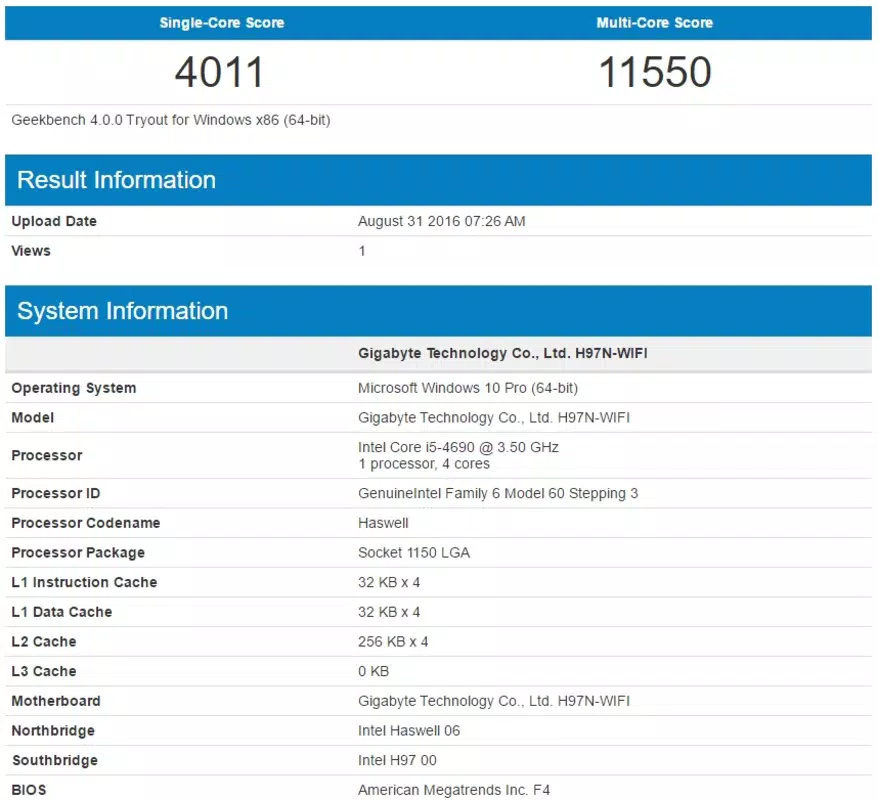
- Detailed Performance Reports: After testing, the app generates a comprehensive report that includes CPU and memory scores, along with breakdowns of single-core and multi-core performance. These metrics help identify potential bottlenecks or underperforming components.
- Online Results Sharing: Users can publish their test results to the Geekbench Browser, a public database where they can compare their device’s performance against thousands of others globally. This feature fosters transparency and community-driven benchmarking.
- Industry-Standard Benchmarking Algorithms: The tests simulate real-world workloads such as image processing, encryption, and scientific computations. These stress tests are designed to reflect actual usage patterns, ensuring that results are both meaningful and applicable to everyday performance.
For example, a developer testing a mobile app across multiple devices can use Geekbench to ensure consistent performance expectations. A consumer considering a new smartphone might run the test to compare it against their current device. Similarly, IT teams managing fleets of laptops can use the tool to standardize performance assessments across hardware models.
Interface, UX & Performance
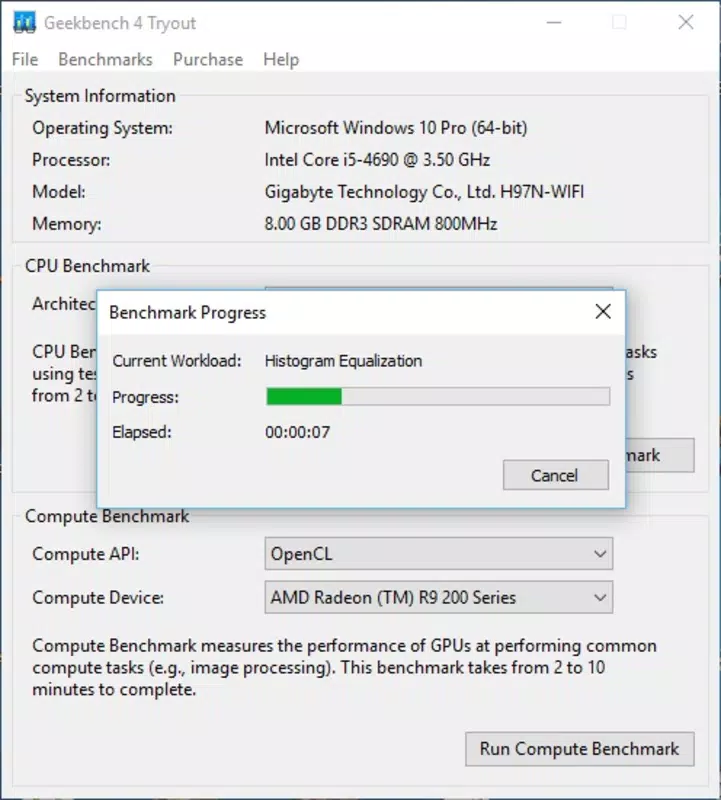
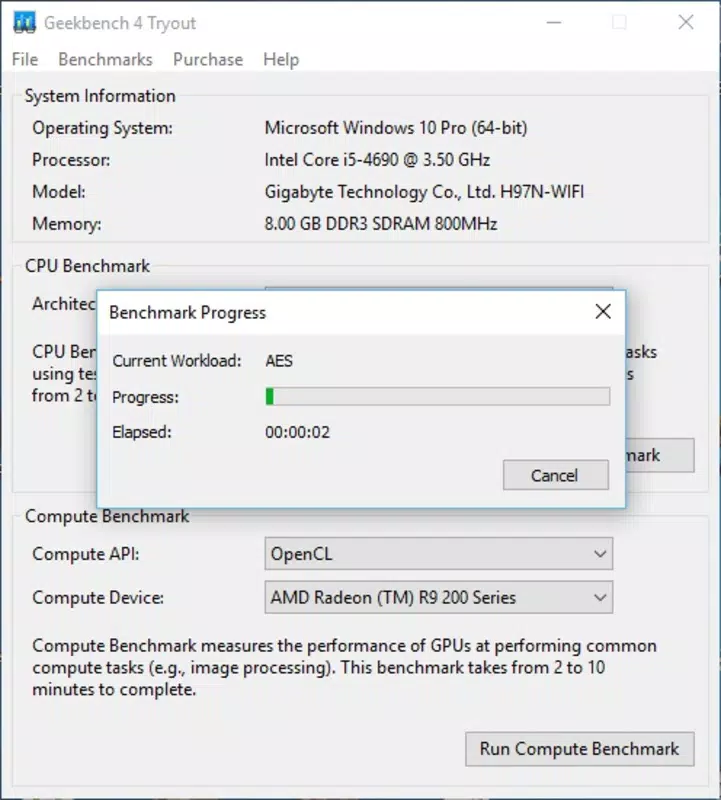
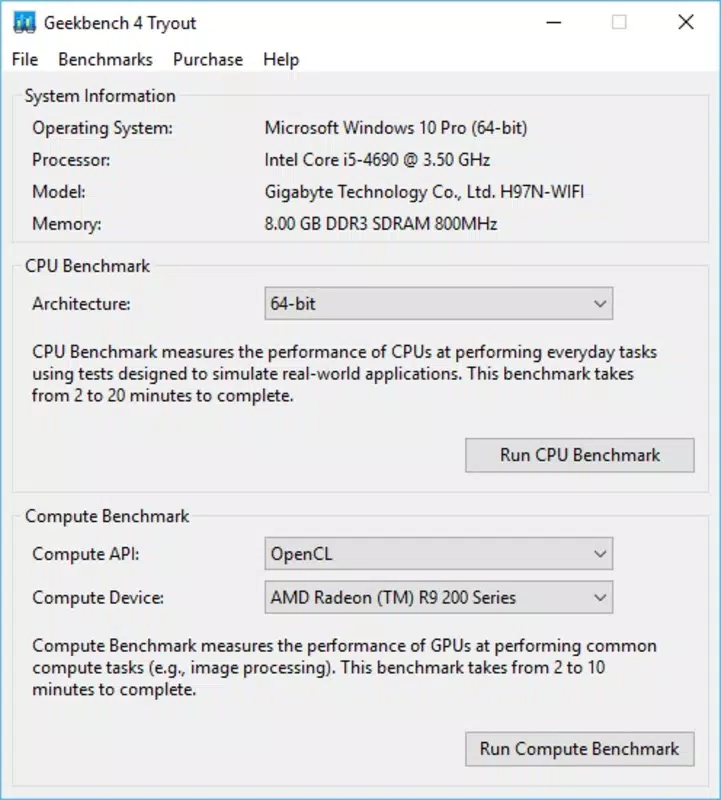
The user interface of Geekbench is clean, minimal, and focused on functionality. The main screen features a prominent one-click test button, with clear visual indicators for progress and completion. Navigation is intuitive, with results displayed in a structured format that includes score summaries, detailed metrics, and sharing options.
Visual design emphasizes readability and efficiency, using a neutral color scheme with clear typography and well-organized data presentation. The app avoids clutter, ensuring users can quickly access and interpret results without distraction. Interaction flow is linear and logical: initiate test → wait for completion → view report → share or compare.
Although the developer did not list formal performance metrics, the app operates efficiently on a range of devices. It maintains responsiveness during testing and does not cause noticeable lag or crashes on supported hardware. Stability is maintained across multiple test cycles, and the app handles background operations without interference. The lightweight file size of 35.8 MB suggests optimized resource usage, contributing to smooth performance on both high-end and mid-tier devices.
Platform Compatibility & Technical Requirements
Geekbench is available on multiple platforms, including Android, iOS, macOS, Windows, and Linux. This broad compatibility ensures that users can perform benchmarking across their entire digital ecosystem. The current version is 6.2.0, released on February 5, 2024.
The app has a file size of 35.8 MB, which is compact for a performance testing utility. Specific system requirements were not listed by the developer, so compatibility with individual devices or OS versions cannot be confirmed. The developer did not specify minimum OS requirements, nor did they provide details on hardware prerequisites.
Pros and Cons
Pros
- One-click execution simplifies performance testing for all users.
- Consistent benchmarking across multiple operating systems.
- Comprehensive, detailed performance reports with actionable insights.
- Supports global result sharing and comparison via the Geekbench Browser.
- Lightweight design with minimal storage footprint.
Cons
- Developer did not provide detailed system or hardware requirements.
- Specific compatibility with older or low-end devices was not disclosed.
- Results are dependent on the device’s current thermal and battery state.
- Advanced users may desire more granular control over test parameters.
- Results may vary slightly based on background processes during testing.
FAQ
Is Geekbench free to download and use?
Yes, Geekbench is available at no cost on Android, iOS, macOS, Windows, and Linux. The core benchmarking functionality is fully accessible without a subscription or in-app purchases.
Can I compare my device’s performance with others?
Yes, after completing a test, users can publish their results to the Geekbench Browser, where they can view and compare their scores with those of other users worldwide.
Does Geekbench work on older devices?
The developer did not specify compatibility with older hardware or operating systems. While the app may function on legacy devices, performance and support cannot be guaranteed.
Is Geekbench safe to install on my smartphone?
Yes, Geekbench is developed by Primate Labs Inc., a reputable company known for transparent and secure benchmarking tools. The app does not collect personal data beyond test results and does not require sensitive permissions.
How often should I run a benchmark test?
It is recommended to run a test when assessing a new device, after software updates, or if you notice performance issues. Regular testing helps track long-term performance trends.
Final Thoughts
Geekbench delivers a powerful yet accessible solution for anyone seeking to understand their device’s true performance. Its one-click simplicity, cross-platform consistency, and detailed reporting make it a standout tool in the productivity and utility category. Whether you're a developer validating hardware compatibility, a consumer evaluating a new phone, or an IT professional managing a device fleet, Geekbench provides trustworthy, standardized insights.
With a lightweight footprint, global result-sharing capabilities, and a focus on real-world performance simulation, the app fills a critical gap in the mobile and desktop ecosystem. The absence of intrusive ads, subscriptions, or data collection enhances its appeal as a secure and reliable utility.
For users who value transparency, accuracy, and ease of use in performance testing, Geekbench is an essential addition to any tech toolkit. Download Geekbench now.


